

User guide Sync across devices
Sync across your devices
Sign in with the same account on each device and your courses, timetable, deadlines, profile, CV and notes on lectures stay the same everywhere. Every device keeps its own full copy, so PolyNotes works offline too.
Turn it on
There's nothing to switch on. Sign in on each device the same way, for example with Apple on all of them. Guests don't sync. See Sign in.
What syncs
| What | Notes |
|---|---|
| Courses, timetable and one-week changes | |
| Modules and deadlines | A module's details. Its files are covered below |
| Profile, CV and Quick Notes | |
| Your notes on lectures | Ink, pictures and boxes, per lecture |
| Photos and recordings from your phone | Kept in the cloud for 30 days. Each device keeps its own copy |
| Slide text for the phone's AI | Your tablet or computer prepares it, so the phone's tutor can read your slides |
| Your Moodle site's address | So a new device knows which site to use. You still sign in to Moodle on each device |
What stays on each device
- PDFs you added yourself. Add them on each device that needs them.
- Moodle and Canvas files. Each device downloads them from your university. Your notes on them appear once they're there.
- Notes whiteboards on the Notes tab.
- Academic calendar settings in Courses.
- Chat history.
- App settings, such as pen and paper styles.
- Passwords and keys: your university password and your Moodle and Canvas access never leave the device.
When it syncs
- When you sign in, and when you come back to the app.
- A few seconds after you change something.
- Every 15 minutes while the app is open.
- Whenever you tap Sync Now in Settings → Cloud & Sync.
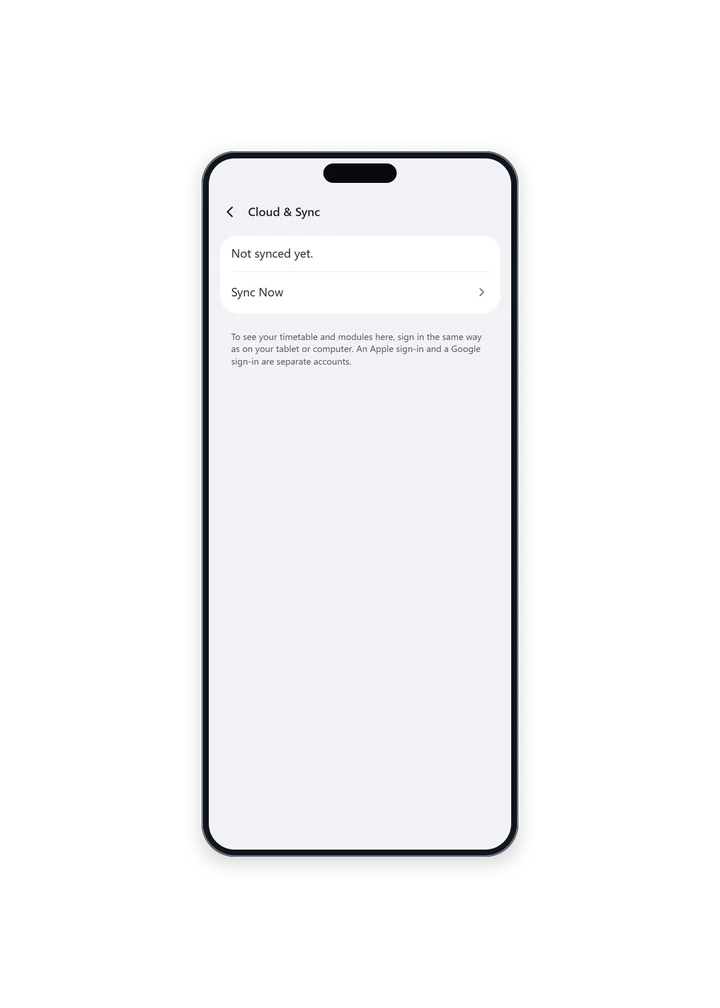
The status line says how the last sync went, such as “Sync finished.” or “Can't reach PolyNotes right now. Your changes will catch up.” A sync that fails never gets in your way. It tries again later.
How changes are merged
- The most recent change wins. If you edit a class on your phone and then on your iPad, the iPad's edit is kept.
- Deleting something on one device deletes it on the others.
- The first time two devices sync, PolyNotes matches the same course or module made on each, by its code and name, so nothing appears twice.
If a device looks empty
- Check you signed in the same way as on your other devices. Apple and Google sign-ins are separate accounts.
- Open Settings → Cloud & Sync and tap Sync Now.
- If it says “This phone holds another account's data, so it isn't syncing.”, tap Use this account here. The other account's data is cleared from this device, and comes back if that account signs in again.
Something wrong or missing on this page? Email support@polynotes.me.