

Feature · Handwriting
A pen that feels like paper.
Write and draw on an infinite whiteboard with a smooth, pressure-aware pen built for Apple Pencil. Sketch diagrams, take lecture notes, and keep everything in one notebook.
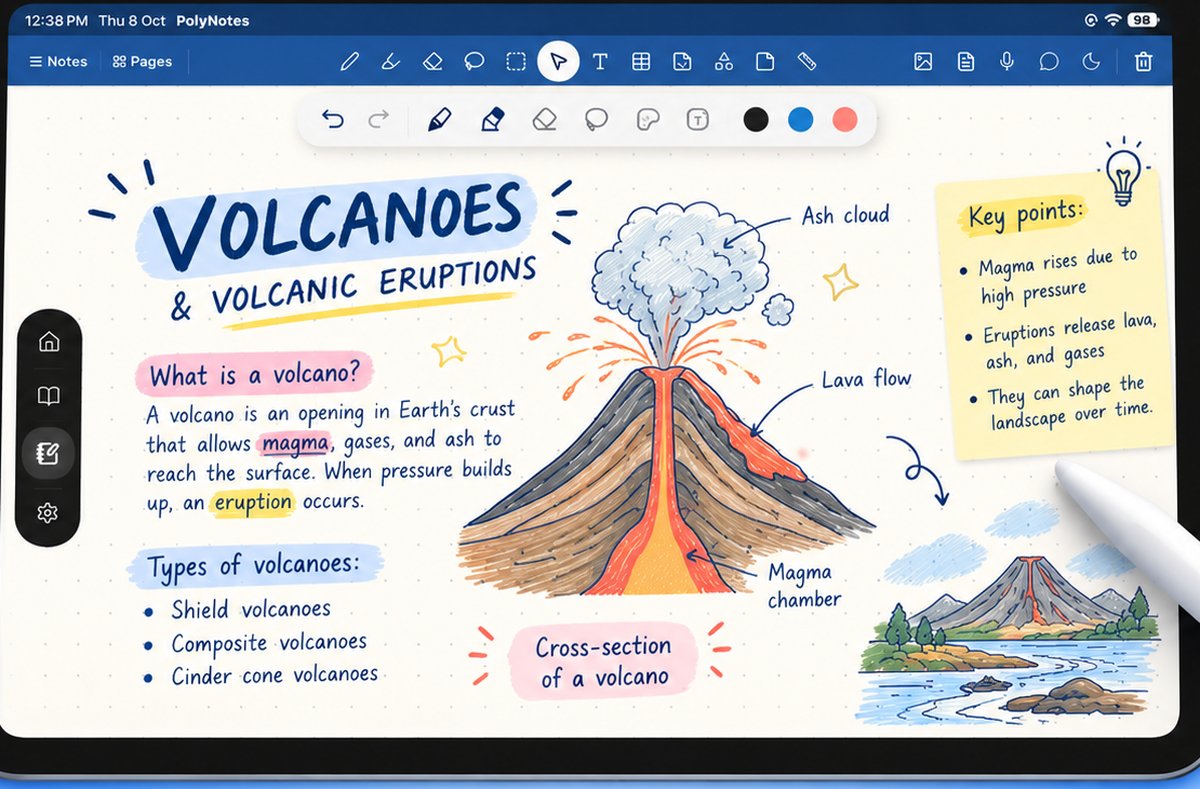
Why it matters
Where typing and paper fall short.
Typing is too rigid
Equations, diagrams and quick arrows don’t fit a keyboard. Handwriting keeps up with how a lecture actually moves.
Paper gets lost
Loose sheets scatter and tear. Your handwritten notebook stays in one place, safe on your device.
Tools get in the way
Laggy pens and clumsy zoom break your flow. A smooth, pressure-aware pen just feels like writing.
Infinite whiteboard
Never run out of page.
Pan and zoom across an endless canvas. Work out a proof, map an idea, or keep a running set of lecture notes — all on one surface, with undo that always has your back.
Apple Pencil
Pressure-aware, lag-free.
Lines thicken as you press and taper as you lift, so handwriting and sketches look natural. Annotate imported PDFs and slides with the same pen, in the same notebook.
Good to know
Do I need an Apple Pencil?
It’s built for Apple Pencil, but you can also write and draw with your finger.
Can I annotate PDFs and slides with the pen?
Yes — import a PDF or lecture deck and mark it up with the same pen. See PDF & slide annotation.
Where are my notes stored?
On your device by default. See the privacy policy.